






AutoPilot: A workflow Builder
VerbaFlo is an AI conversational platform for real estate operators across PBSA, BTR, and co-living. Until early 2026, outreach ran through a static, one-shot campaigns engine: pick a modality, write a template, choose recipients, send. No follow-up logic, no branching, no scheduling.
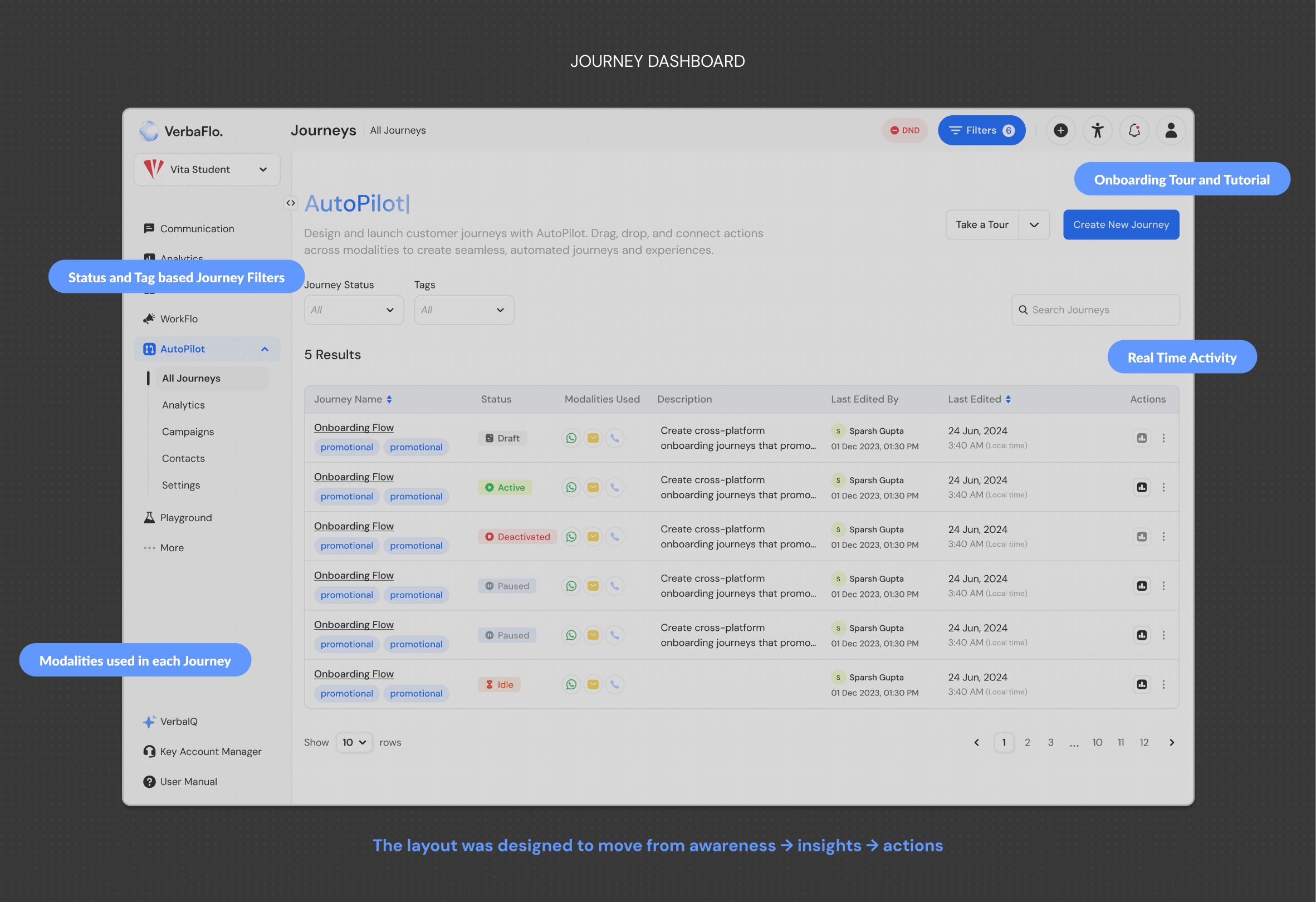
AutoPilot is the workflow automation builder that replaces it. Operators compose journeys node by node: trigger, action, delay, branch, redirect, update. v1 shipped to four operators (Vita Student, Downing, Moda among them). AutoPilot adds the conditional logic, scheduling controls, and re-engagement flows the original couldn't support.
Sole product designer on this surface. v1 was solo work; AutoPilot was co-shaped with the founder and PM.
About
VerbaFlo handles high-volume, time-sensitive conversations for real estate operators: leasing enquiries, viewing bookings, resident support, debt reminders. The core platform handles those conversations across four channels with brand-safe AI-generated responses.
What was missing was the layer above the conversation: what should the AI do next, and when? AutoPilot is that layer.


Problems to Solve
The campaigns engine was one-shot. Send the message, end of campaign. If the recipient didn't reply, an operator had to follow up by hand or hand the work over to VerbaFlo's in-house team to configure manually. Most outbound communication either didn't happen or didn't scale.
The roadmap pointed toward use cases (lead reactivation, debt collection, check-in assistance, feedback collection) that all needed multi-step orchestration. A one-shot tool couldn't support any of them.
The brief: design the canvas, the node system, and the supporting interactions so any operator could build a multi-step journey solo, without filing engineering tickets and without VerbaFlo's team having to configure it for them.
The constraint: the people using this aren't power users. They're leasing managers, regional ops leads, marketing analysts. The canvas had to work for someone setting up their first journey at 9pm.
Solution
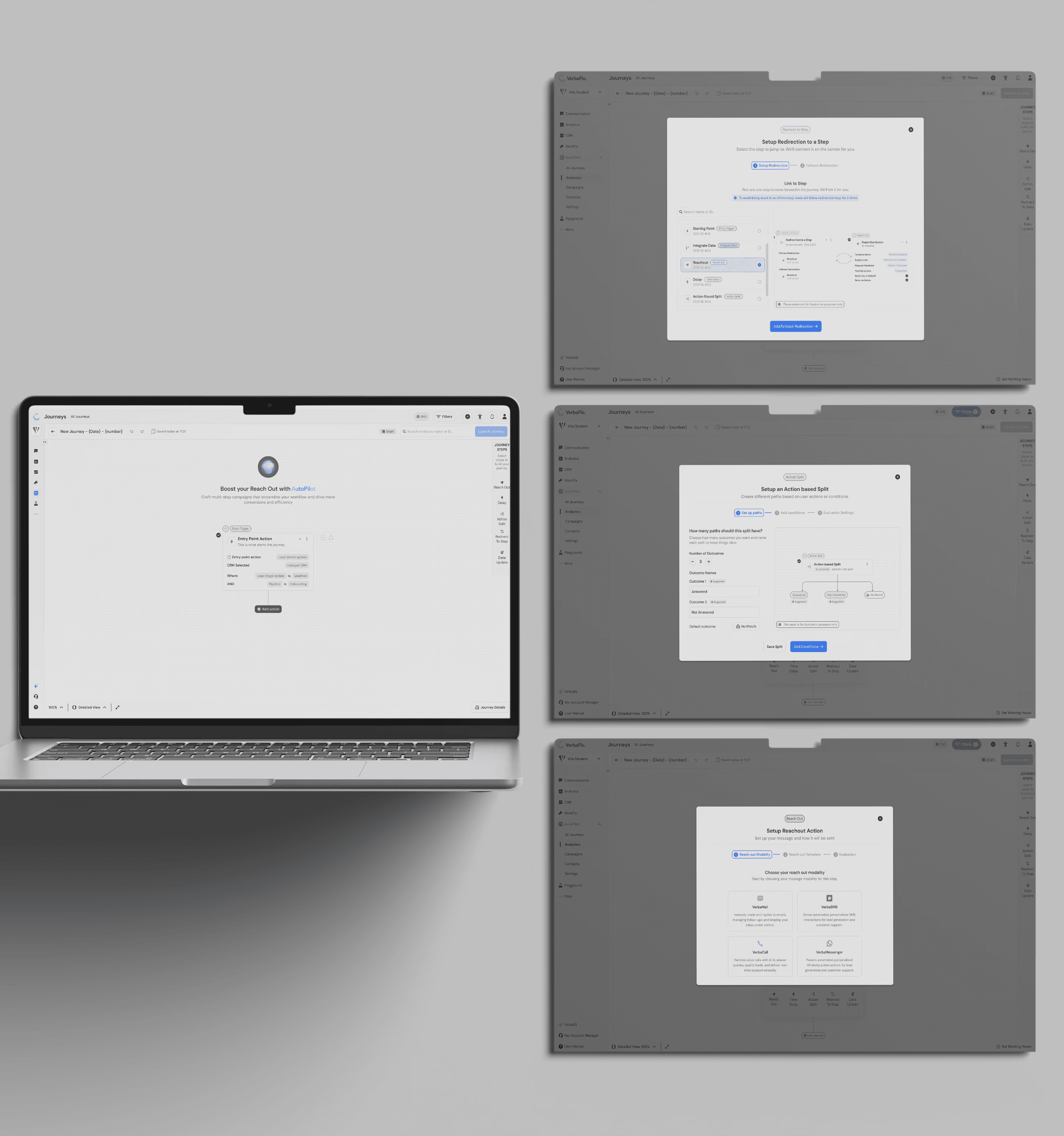
AutoPilot is a top-down node canvas with six node types: Entry Trigger (what starts the journey), Reach Out (the message, modality-aware across all four channels), Time Delay (a wait), Action Split (a branch), Redirect To Step (jump elsewhere in the flow), and Data Update (write back to the CRM).
The canvas was designed against a specific reference point. Tools like Zapier and n8n look like wiring diagrams, which work for engineers but not for the operators we'd shadowed. AutoPilot reads more like a roadmap: top-down flow, generous spacing, condition labels on the path rather than buried in the node. The shape of the journey communicates what it does before any node is opened.
The other thread is restraint. Most controls are off by default. Operators opt in to complexity rather than confronting it on day one.


Features of the Platform
Conditional branching with the Action Split node
The Action Split node lets a journey branch based on lead data. A confirmed-viewing lead goes one way; a lost lead goes another. Thirteen pre-built use cases ship configured out of the box.
Branching adds visual complexity. Operators need to see at a glance which condition triggers which branch, without zooming or clicking each path.
What shipped: condition labels live inline on the path itself, not inside the node. The node stays compact; the path tells you why it exists.
Design
Working hours awareness and scheduling controls
Two features answering the same underlying question: when is this message allowed to leave?
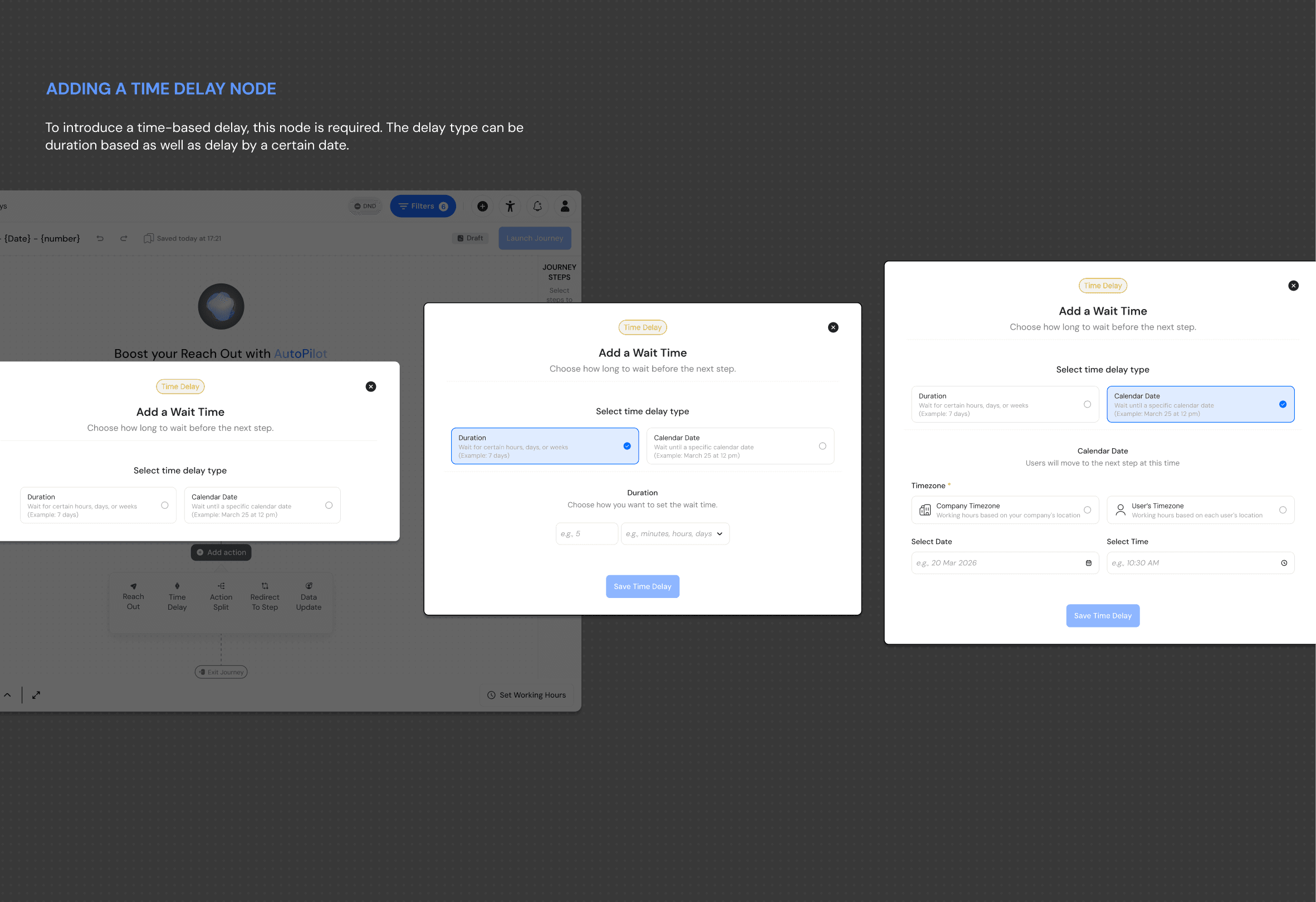
Working hours awareness checks whether the current time falls within the operator's defined working hours before sending. Scheduling controls let operators set delays and specific time windows on any outbound message.
Both controls are off by default. The journey just sends until the operator asks otherwise. Turn on Working hours awareness and the configuration reveals progressively: timezone, weekday schedule, weekend behaviour. The complexity is there; it stays hidden until needed.




Results
Lost reason triggers and re-engagement flows
Lost reason triggers let AutoPilot branch based on why a lead was marked as lost. Affordability goes one way (discount or alternative unit). Competitor choice goes another (a "what would change your mind" path). Ghosting goes a third (a re-engagement nudge).
The interesting problem sat one layer below the node. Lost reasons in the CRM weren't standardised. Different operators used different taxonomies. The trigger had to handle three groups at once: operators who'd tagged their lost leads cleanly, operators who hadn't, and operators stuck in the messy middle.
What shipped: a suggested taxonomy of twelve common lost reasons, surfaced inline as the operator builds the trigger. Override or add custom reasons at any point.
Muskan's Note
v1 is live with four operators. Rollout across the full customer base is in progress.
What I'd revisit with a v3 brief: canvas zoom and pan still feels heavier than it should past about eight nodes. Minimap navigation, lane-based grouping, and collapsible sub-flows are all worth exploring. The bigger open question is whether AutoPilot should become AI-suggested. Today operators build journeys by hand; in a year the AI may surface "here's a journey based on what your top-performing peers do."